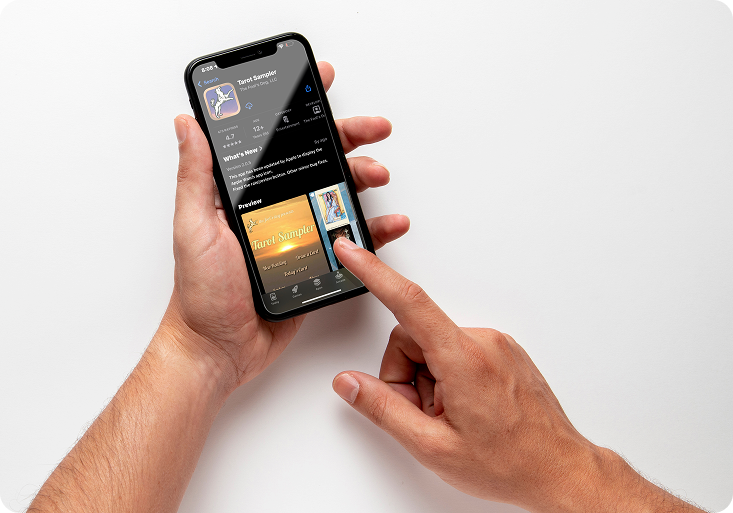

Buying a Deck on iOS/Apple
If you still need help, don’t hesitate to reach out — we’re here to make your experience as smooth and magical as possible.



How do I buy a deck?
Deck buying links only work when clicked on an Apple/iOS device with the Reader app installed. You either were not using an Apple device to follow it, or your device does not have the Reader app installed. Install the Fool's Dog Divination and Tarot app, tap Explore, Buy Decks, choose the deck from the list, then tap BUY.
How do I see my decks?
Tap Explore in the main menu, then My Decks. Tap each deck to explore the cards in it.
How do I use my decks?
Choose one in the New Reading menu, or change your default/favorite decks in the Settings menu.
I do have the app installed, the link is not working
Open the app, tap on the Buy Decks icon, scroll down or search the name of the deck and tap on it. Tap on the BUY text, this will start the In-App-Purchase